A second life for a handset
Can an old phone become your child’s home phone?
Some phones are worth keeping simply because they make you want to pick them up. If yours has been sitting in a drawer, start with its model number and connections. A little checking now is better than buying an adapter and hoping.
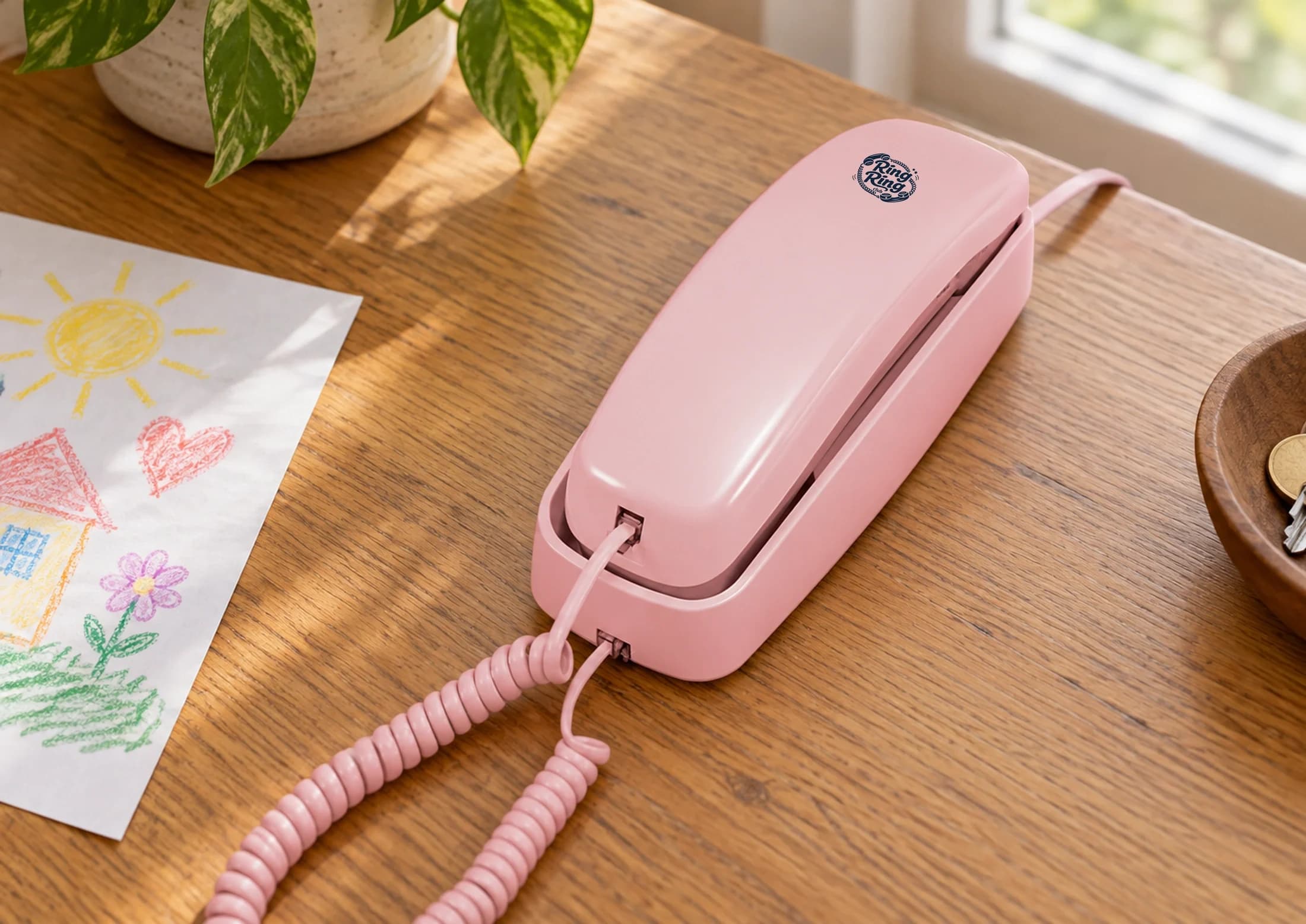
In this article
Check the handset before buying anything
Identify the make and model. Check the cable, plug and handset cord for damage. A phone designed for a proprietary office system is not necessarily compatible with a standard analog adapter, even if its connector looks familiar.
For rotary phones, check pulse-dial support for the exact phone and adapter combination. Do not assume an adapter automatically converts every rotary dial. Ask support before buying if you are unsure.
What the Ring Ring Bridge does
The $59 Bridge connects a compatible analog phone to your router over Ethernet. Your phone plugs into the Bridge’s phone port. The Bridge needs power and a working internet connection; the phone may need its own power supply too.
If you do not already have a suitable handset, the $89 Nostalgic Kit includes a corded phone and Bridge. The $75 Modern Kit connects over Wi-Fi without a Bridge.
The path from router to phone.
Both need power and a working internet connection. The Bridge uses Ethernet, even if your home network also provides Wi-Fi.
Choose the calls you want to make
Before setting up, decide who your child needs to reach. Calling another connected Ring Ring household is different from calling a grandparent’s mobile.
Ring Ring’s Starter plan is $0/month for calls between connected Ring Ring members. Calling approved outside US numbers requires the paid plan: $8.95/month or $96.66 billed annually. Equipment is purchased separately. E911 requires the paid plan, a verified service address, power and internet.
Set it up, then try an ordinary call
- Confirm handset compatibility and gather the required cables.
- Follow the Bridge activation and connection instructions.
- Add and approve contacts through the parent controls.
- Test an ordinary call in both directions with a contact supported by your plan.
- Choose a permanent place for the phone and practice using it together.
Keep a separate plan for calling for help during power or internet outages. Do not use an emergency number to test the phone.
Keep the charm, check the details
A familiar handset can make a lovely family phone. Confirm that it works before making it the only way your child can reach someone.